
Logtura Docs
How the hosted control panel, open-source forwarder, and deployment model fit together.
Hosted UI
The hosted UI at logtura.com/app is organized around four resources:
- Connections — provider tokens used for discovery and source configuration.
- Sources — the projects, services, scripts, or functions discovered through a connection.
- Destinations — sinks the forwarder writes to.
- Deployments — running forwarders, their generated config, and their heartbeat.
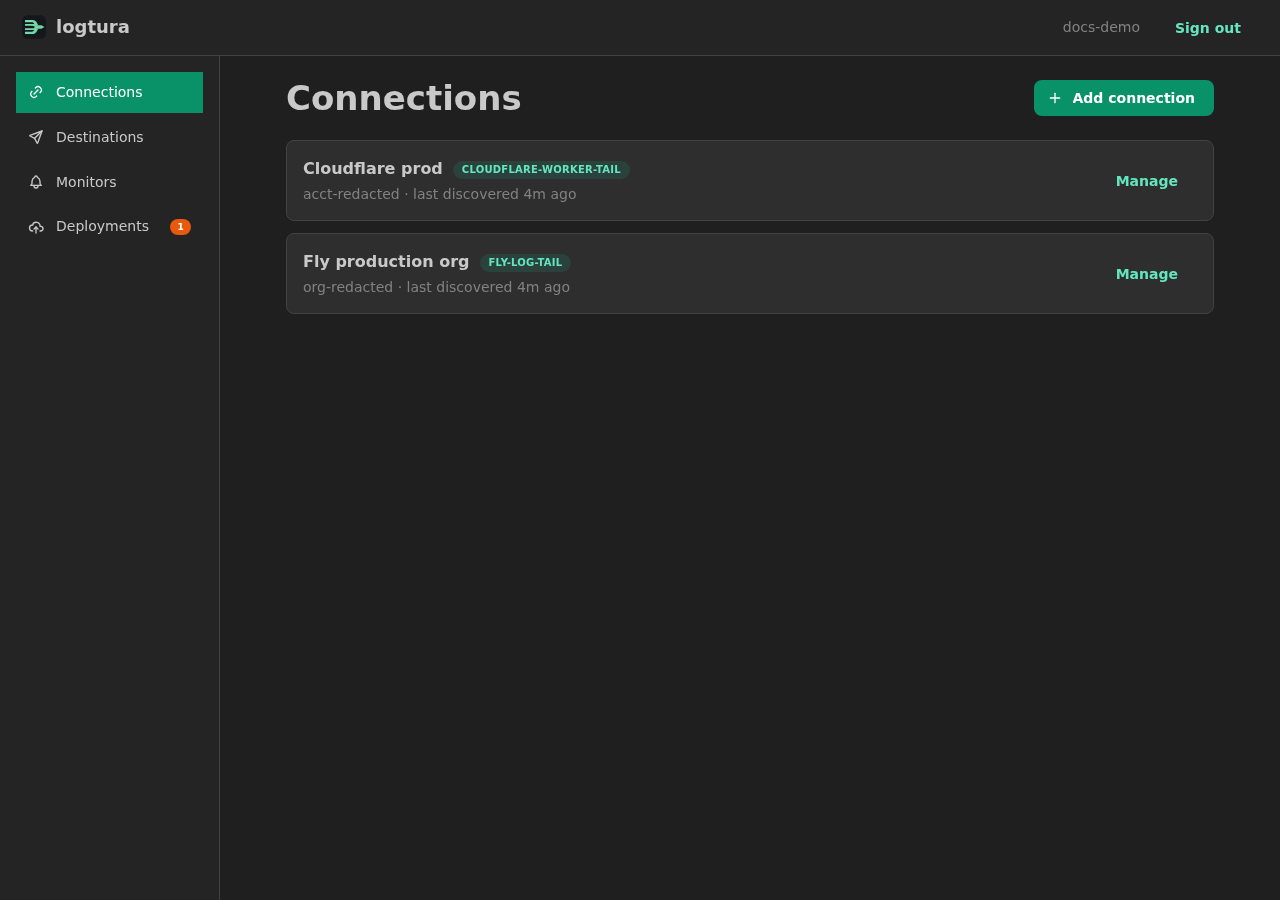
The four resources are reachable from the left nav. Each list page links to a detail page; deployments and connections also expose actions (deploy, re-discover, reconnect) at the top of their detail view.
Connections
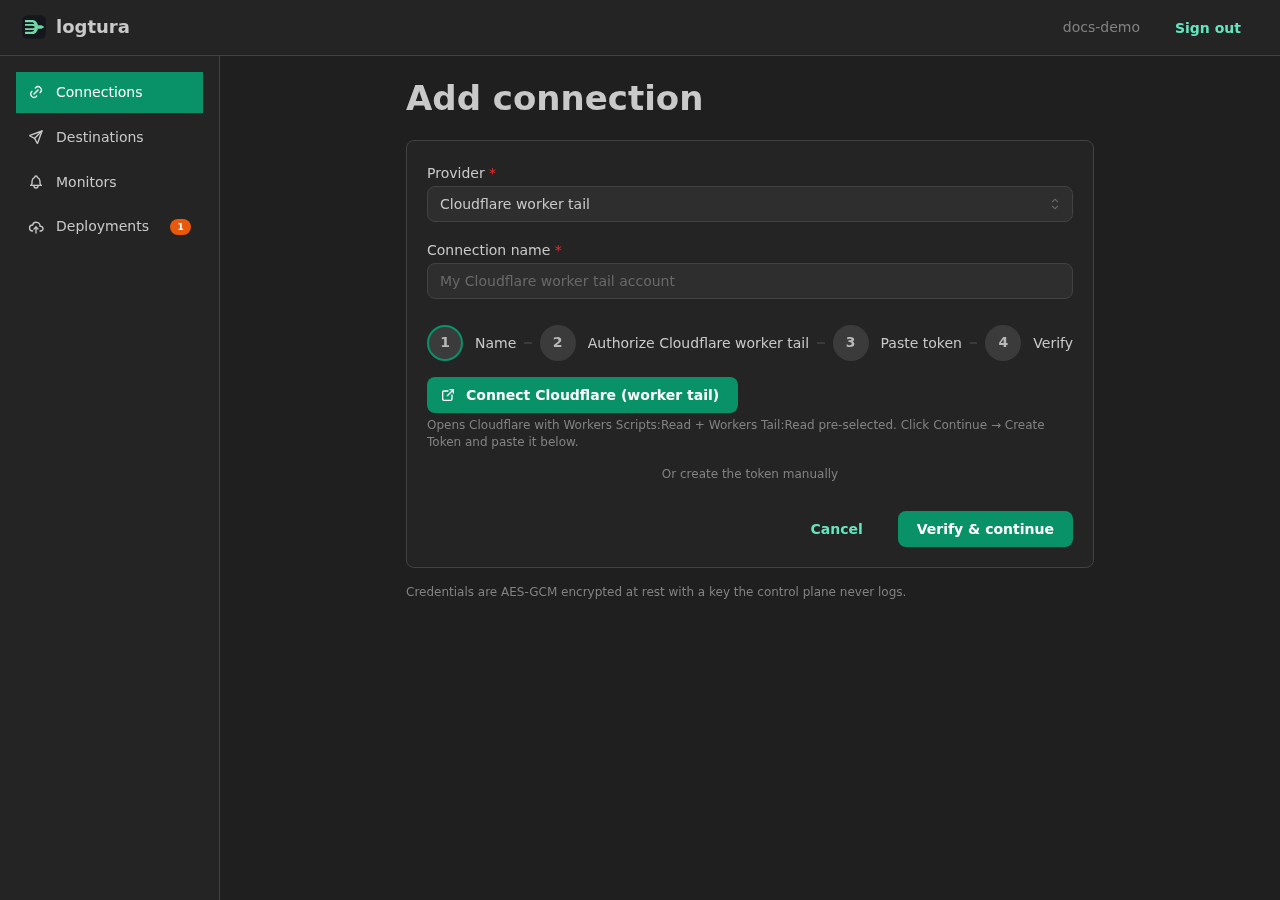
A connection holds a provider account credential. Open Connections → New connection and pick a provider. Each provider asks for the minimum scope needed for discovery and tailing.
| Provider | Credential | Scopes used |
|---|---|---|
| Cloudflare | API token + account ID | Workers Scripts: Read, AI Gateway: Read |
| Fly | Personal access token + org slug | Read apps, read log stream |
| Railway | API token + team ID | Read services, subscribe to logs |
| Supabase | Access token | Read projects, read edge logs |
| Vercel | API token + team ID | Read projects, deployments, and runtime logs |
Credentials are encrypted with CREDENTIAL_ENCRYPTION_KEY before they are stored in D1. The control plane uses them for two operations:
- Listing sources during discovery.
- Embedding them into the forwarder's generated config so it can subscribe to provider streams.
Sources
Once a connection is saved, the control plane calls discoverSources() on its driver. The result is a list of DiscoveredSource records:
{
  "sourceKind": "cf_worker",
  "externalId": "ipogrid",
  "displayName": "ipogrid",
  "metadata": { "modified_on": "2026-04-12T08:14:55Z" }
}
Discovery runs as a queued job. The connection page shows the latest discovery job; refreshing the page re-attaches to a running job rather than starting a new one. To refresh inventory, click Re-discover.
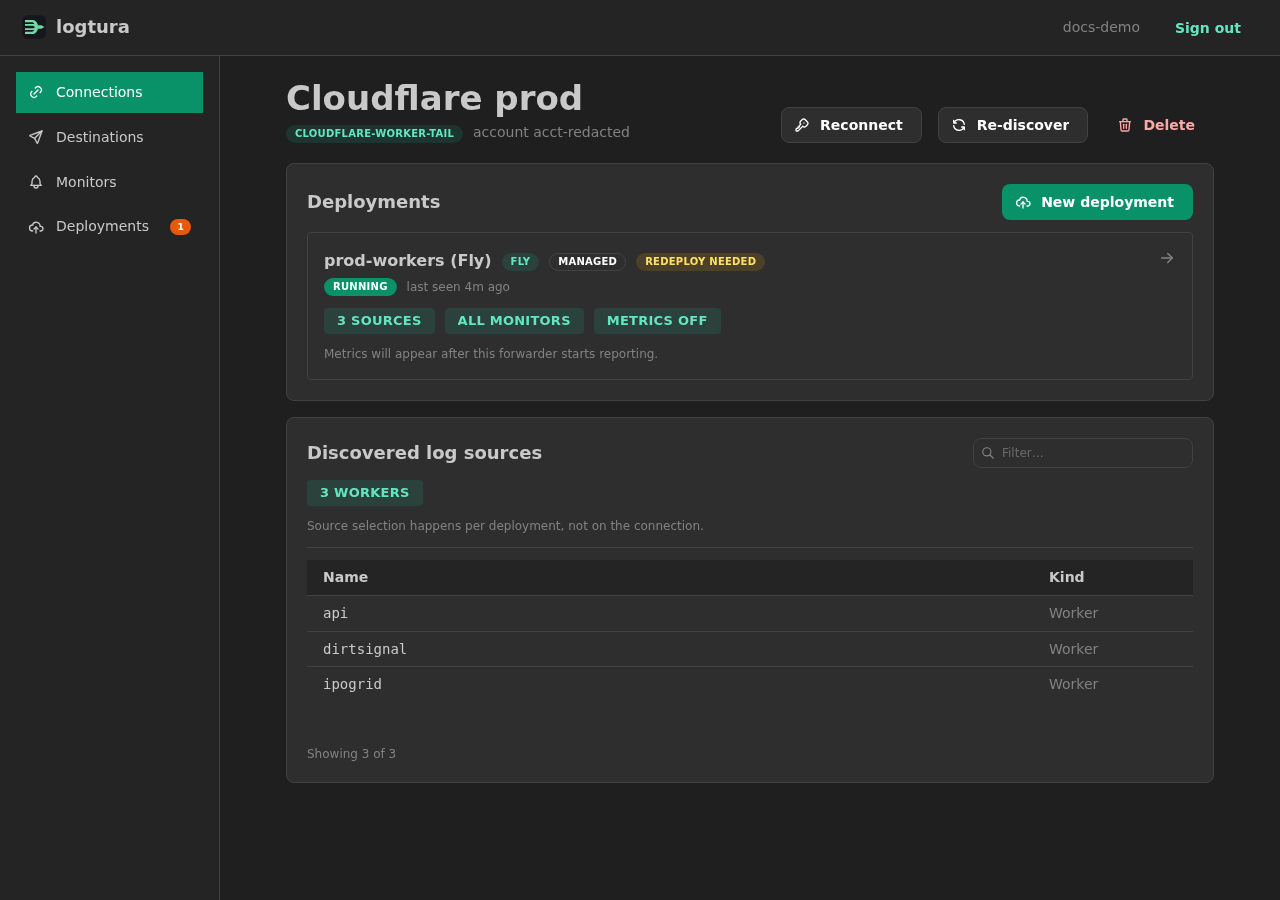
Source selection follows the driver's declared capabilities:
list— explicit source IDs picked in the UI. Cloudflare Workers/AI Gateway, Fly, Railway, and Vercel use explicit lists.all— every source the driver returns, supported by the Supabase driver.
Vercel forwarding reads runtime logs directly; it does not require creating a Log Drain. Supabase selections distinguish Edge Functions and gateway logs. The CLI can report the current catalog with logtura providers list --json.
Destinations
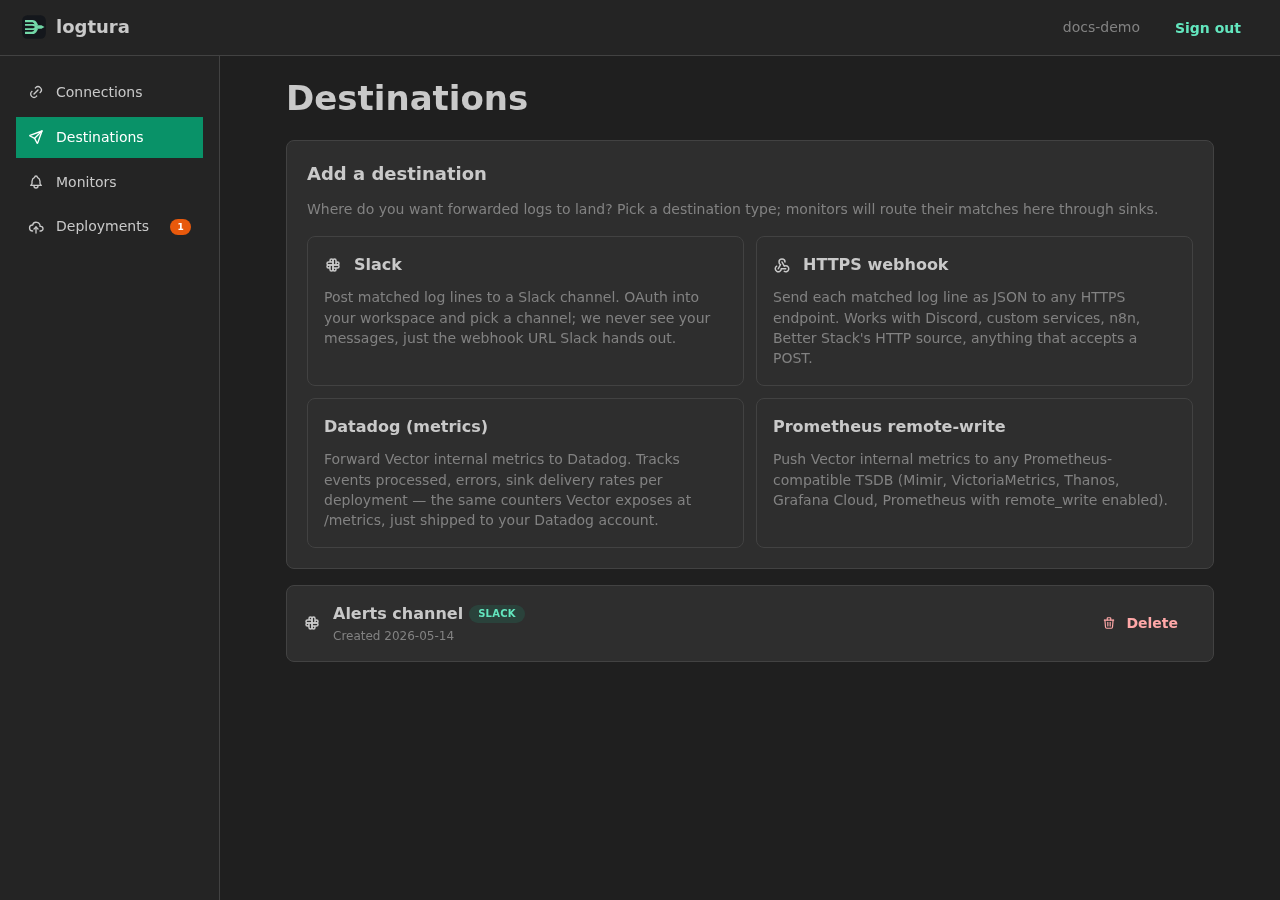
Each destination has a kind and a small config payload. The Slack destination, for example:
{
  "kind": "slack",
  "webhookUrl": "https://hooks.slack.com/services/T.../B.../...",
  "channel": "#alerts"
}
Destinations are referenced by ID from monitors and from the deployment.
Deployments
A deployment binds:
- A target (Fly app, self-deployed container, etc.).
- A source selection.
- A list of destinations.
- An optional monitor pipeline.
When you create or update a deployment, the control plane renders a Vector topology, packages it with the driver helpers it needs, and either pushes it to a managed Fly app or makes it downloadable as a bundle.
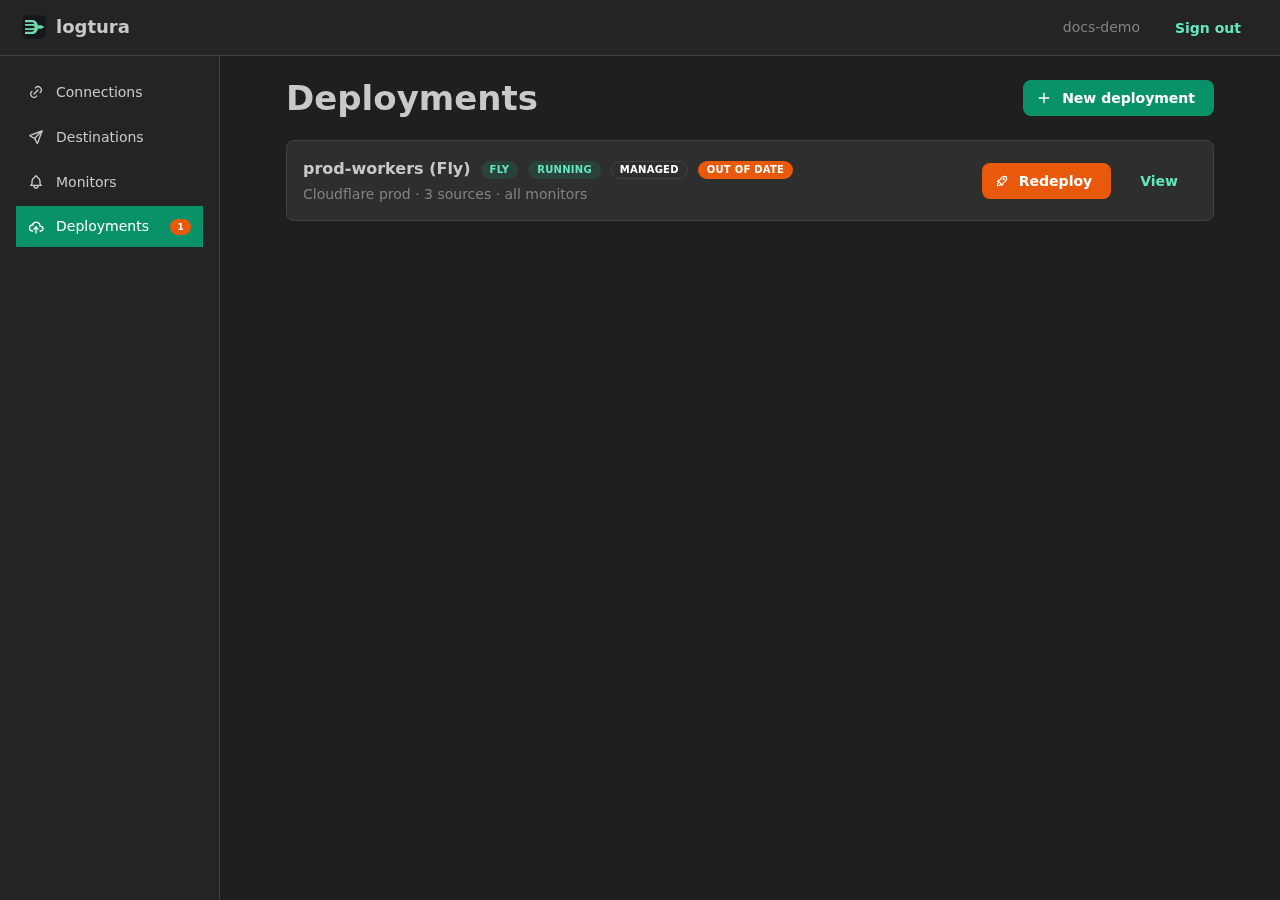
The deployment detail page shows:
- Status: queued, deploying, running, failed.
- Last heartbeat timestamp.
- Recent per-component rates derived from observed counter changes, with freshness and observation intervals shown.
- The generated Vector config (read-only).
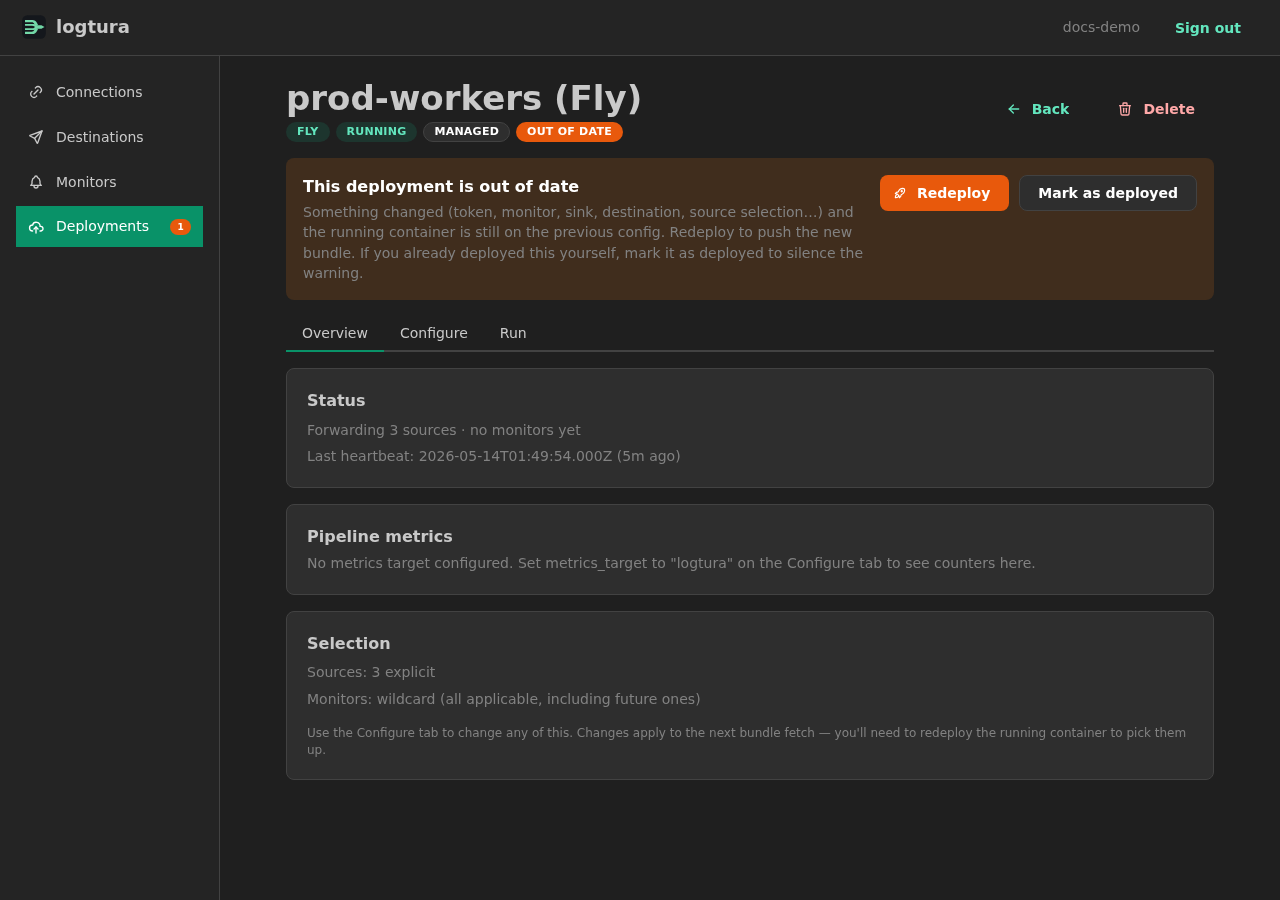
If you change a connection, source list, or destination, the deployment is marked bundle outdated. The desired and applied revision indicators show whether the running forwarder has loaded the latest configuration. A CLI push synchronizes the desired manifest but does not itself restart the forwarder; apply or redeploy it, then verify the loaded revision, heartbeat, and actual event delivery. See the open-source guide for website → CLI → website updates.